
Removing a boat from your profile
I no longer own this boat or accidentally duplicated my boat.

SailSys Support
Last Update a year ago
There are two ways to remove yourself from a boat so it no longer appears in your list of boats.
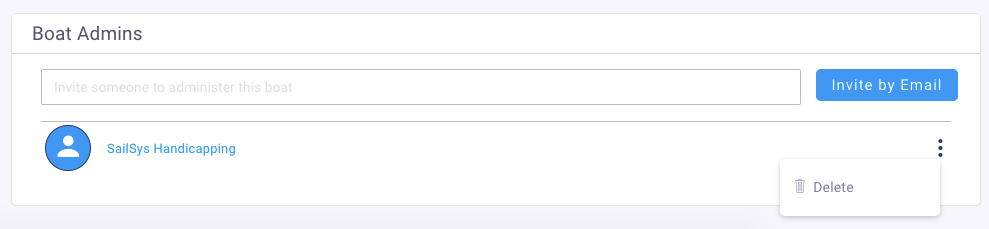
If there are multiple boat admins, you can remove just yourself by clicking the three vertical dots to the right of your name and selecting 'Delete'.
If you're the only boat administrator or the boat has been sold, you can click on the "I've sold this boat" button at the bottom of the boat's profile.
This will remove all boat administrators and purge the crew list, thereby deleting all personal information associated with the boat.
